First-run guide
How to connect to your Project Zomboid server
Copy and paste it in Project Zomboid to play. Skip the setup console.
-
Open Project Zomboid
Select 'Multiplayer'
-
Add server
Select 'Add Server' and enter the IP/Domain then click save. No password is required.
-
Create your player
Create a player to save your progress. The username and password is used to name and authenticate your in game player. Do not enable steam relay.
-
Connect to your server
Your server is private to you and your friends you invite from the GamersHut website.
$10 first month, then $20/mo
Paste into Project Zomboid multiplayer connect
Built for your friends
is your group’s private Project Zomboid server, not a public lobby. Friends join the same address; strangers don’t.
One Address, Every Live Game
Share once. Covers every live game, every session, for every friend.
Your friends' private server
Just your group, not a public lobby. Friends connect and play anytime, even when you're offline. The server's ready and waiting for them.
Saves and Updates, On Us
Your world is waiting when you return, and servers stay on the latest version without you managing updates.
Zero Setup
No port forwarding. No DNS. No tutorials. Just connect to and play. Your friends join the same way.
About the Game
Experience hardcore zombie survival with your group. Host your Project Zomboid server on GamersHut for persistent multiplayer survival. Private multiplayer for your friends. One subscription covers every live game. One address:
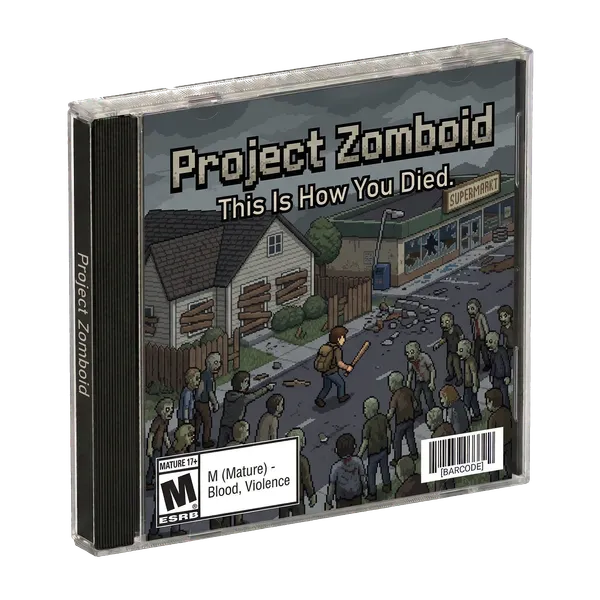
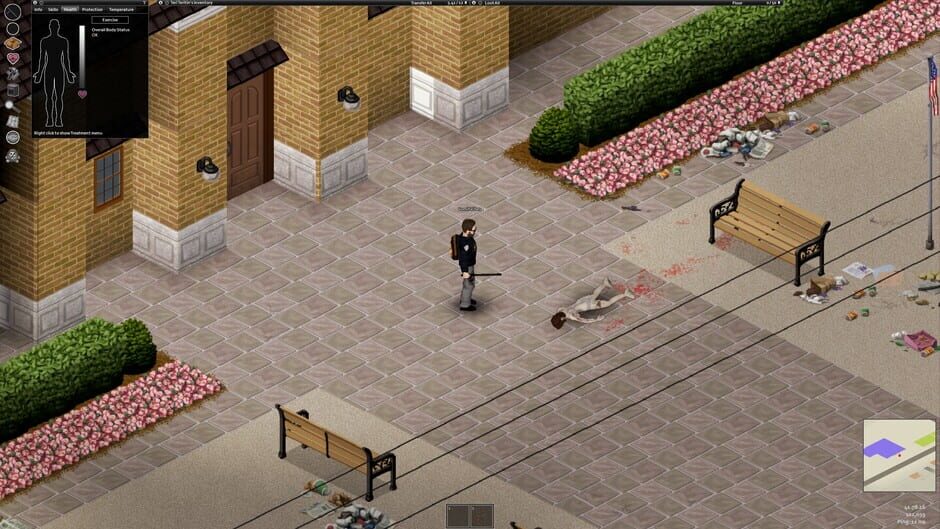
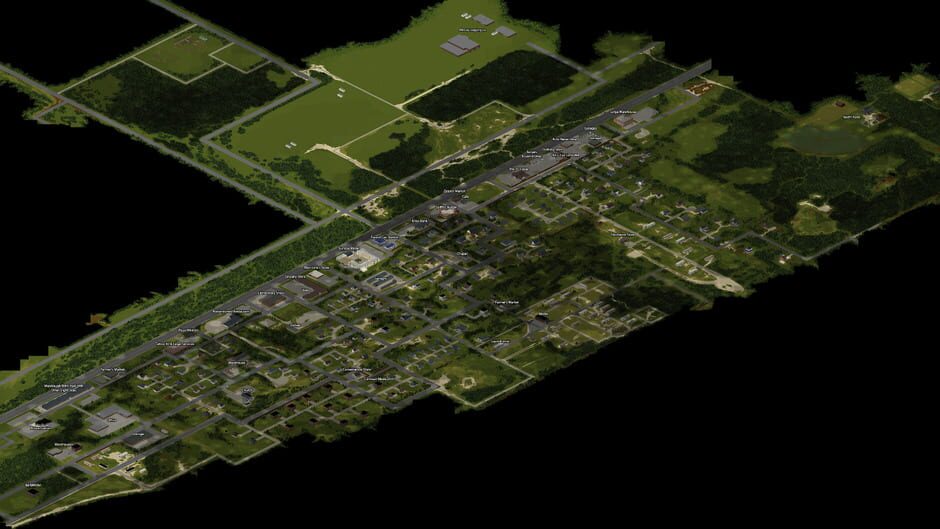
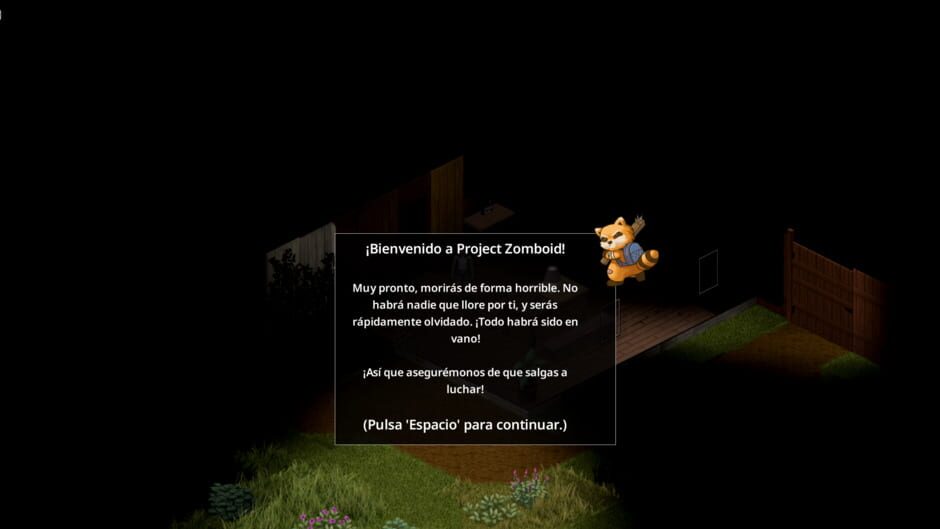
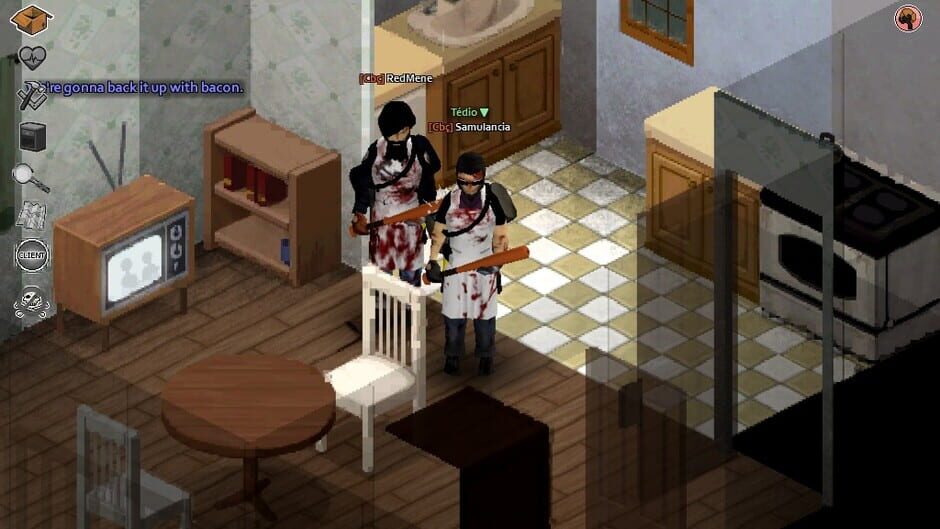
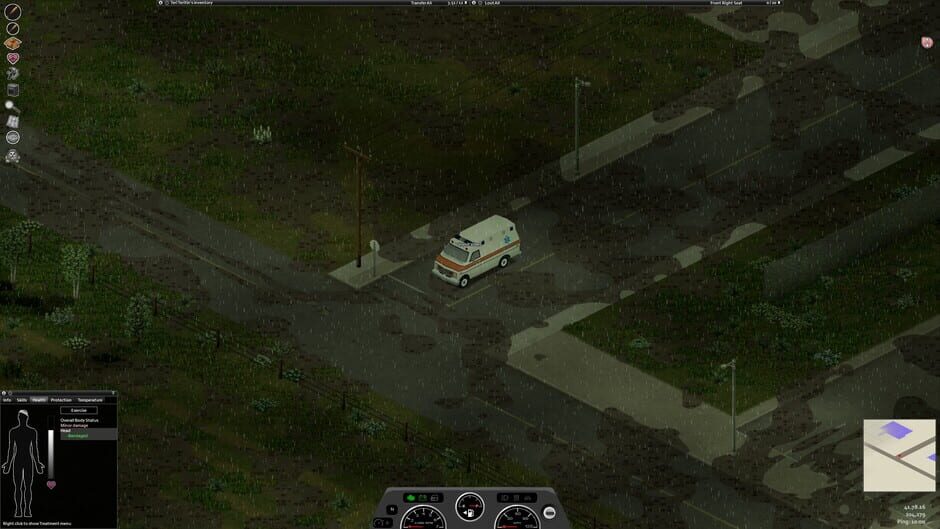
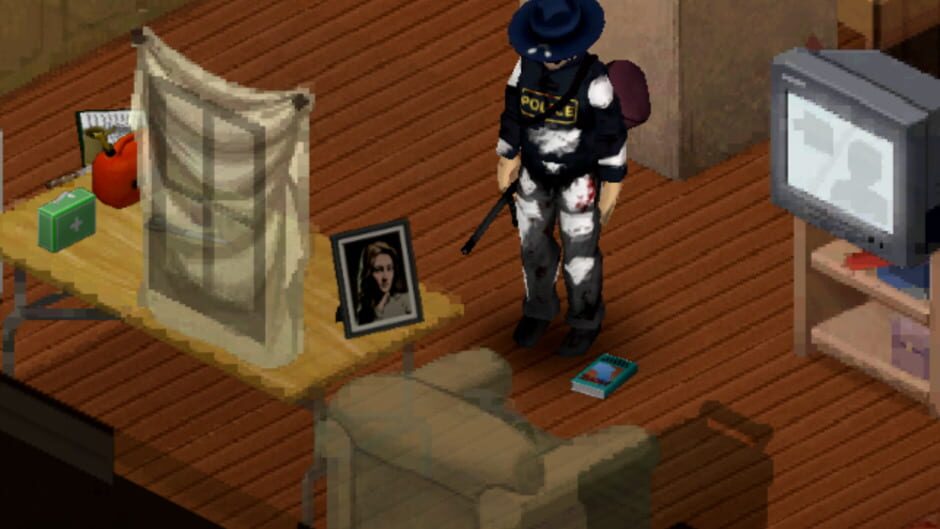
Project Zomboid is the ultimate in zombie survival. Alone or in MP: you loot, build, craft, fight, farm and fish in a struggle to survive. A hardcore RPG skillset, a vast map, a massively customisable sandbox and a cute tutorial raccoon await the unwary. So how will you die?
Genres
Themes
Screenshots
Project Zomboid Server FAQ
Common questions about hosting Project Zomboid on GamersHut
Create a GamersHut account, copy , then paste it in Project Zomboid's multiplayer / join / dedicated server screen. Your private dedicated server starts automatically. You don't need setup, port forwarding, or a hosting dashboard to play.
$10 your first month during Early Access, then $20/month for unlimited access to Project Zomboid and 12+ other games. One subscription covers every game. No per-game fees or hidden costs. See our pricing comparison.
Yes! Invite friends to your community and they can connect anytime using , even when you're offline. No whitelists to manage.
You don't need technical knowledge. GamersHut handles all server setup, configuration, updates, and management automatically. Just connect and play.
Yes, completely automatic. Connect to and your Project Zomboid server starts instantly. Nothing to install, configure, or forward.
We host your Project Zomboid server centrally in the US to ensure fast connections for players across North America. Need something closer to home in Europe or Asia? Let us know on Discord, we expand to new regions based on where our players actually are.